
Configuration
To configure an AWS Access Key:
Navigate to the Identity Federation for AWS configuration.
Click Edit for an existing AWS Connector, or click Create connector to create a new one.
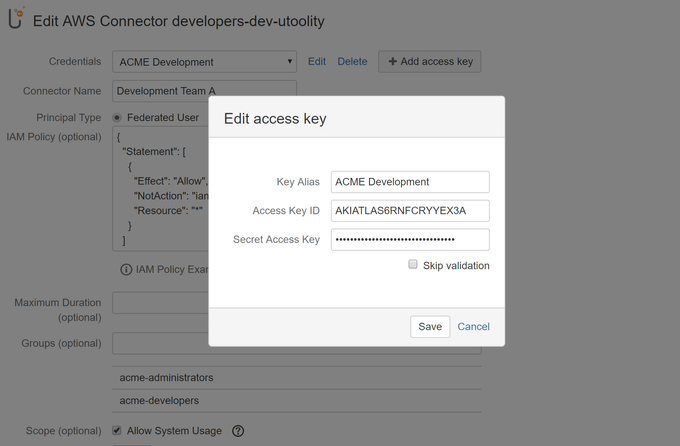
Click Edit for an existing AWS Access Key, or click Add access key to create a new one.
Complete the following settings:
Partition | (Labs feature) Select the partition the Access Key belongs to.
|
Key Alias | Specify an alias to identify this Access Key. |
Access Key ID | Provide the Access Key ID of your long-term AWS Security Credentials. |
Secret Access Key | Provide the Secret Access Key of your long term AWS Security Credentials. |
 This setting is hidden until any non standard AWS partition has been enabled.
How-to Articles
| Filter by label (Content by label) | ||||||||||
|---|---|---|---|---|---|---|---|---|---|---|
|
Frequently Asked Questions (FAQ)
| Include Page | ||||
|---|---|---|---|---|
|
| Questionslist macro | ||||||||
|---|---|---|---|---|---|---|---|---|
|